A home office can look simple from the outside, but anyone who works remotely knows the truth. Your desk, chair, screen, lighting, cables, and call setup all affect how well you work. I have learned that the best tech gadgets for home office setup are not just trendy accessories.
They solve real daily problems like neck strain, weak laptop ports, poor video quality, messy cords, and low focus.
For a US remote worker, freelancer, student, or small business owner, a productive workspace needs three things: comfort, reliable hardware, and smart organization. The right setup helps you move better, sound clearer, look more professional on calls, and keep your desk ready for serious work.
Why a Better Home Office Setup Matters
A poor home office setup slowly drains productivity. A low laptop screen can strain your neck. A bad chair can make long workdays uncomfortable. Weak lighting can make video calls look dull. Too many cords can make even a premium desk feel chaotic.
That is why I like to build a workspace by category instead of buying random gadgets. I focus first on ergonomics, then display and connectivity, then audio, video, automation, and cable management. This approach keeps the setup practical and avoids wasting money on gadgets that look cool but do little.
Physical Health and Ergonomics Come First
Dual-Motor Standing Desk
A dual-motor standing desk is one of the strongest upgrades for a serious home office. Electric sit-stand models with programmable memory buttons let you switch between sitting and standing without breaking your workflow.
I prefer a desk with stable legs, quiet motors, solid weight capacity, and built-in cable routing. For people who work full-time from home, this upgrade can make the workspace feel more flexible and professional.
Mesh Ergonomic Chair
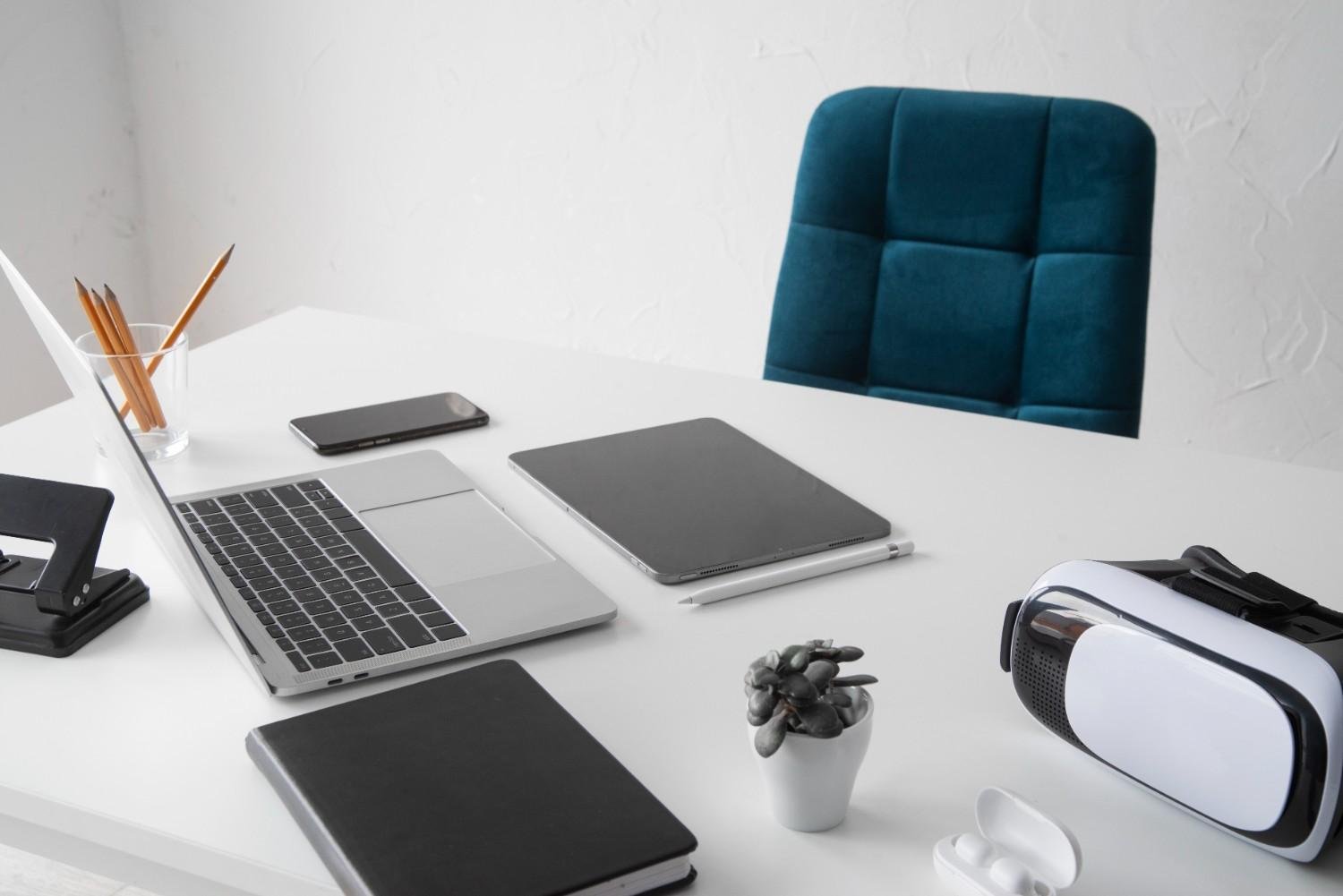
A good chair matters as much as any tech device. A high-back mesh ergonomic chair with adjustable lumbar support, 3D armrests, and a seat slider helps support your back during long sitting sessions.
The seat should let your feet rest flat on the floor, your shoulders relax, and your elbows stay close to a comfortable working position. When you adjust the height, armrests, and recline, the angles of the working seat should support your posture instead of forcing your body to lean forward. A breathable mesh design also helps during warmer months in many US states.
Vertical Mouse
A vertical mouse may look unusual at first, but it can feel much more natural than a standard flat mouse. It places your hand in a handshake position, which can reduce forearm twisting and wrist discomfort.
If you spend hours clicking, scrolling, editing, or managing spreadsheets, this simple gadget can improve comfort quickly. Pair it with an ergonomic keyboard for a more balanced typing and navigation setup.
Display and Connectivity Upgrades That Change Everything
Thunderbolt Hub Monitor
A Thunderbolt hub monitor is one of my favorite clean-desk upgrades. Instead of using a separate docking station, this type of monitor includes power delivery, USB ports, Ethernet, and display connectivity in one device.
For laptop users, this creates a simple one-cable setup. You plug your laptop into the monitor, and it can connect to your keyboard, mouse, webcam, internet, and charger. That makes the desk look cleaner and reduces setup time every morning.
Articulating Monitor Arm
A monitor arm does more than save space. It helps lift your screen to eye level and improves neck alignment. Mayo Clinic recommends placing the monitor directly in front of you, about an arm’s length away, with the top of the screen at or slightly below eye level.
An articulating monitor arm also lets you adjust height, tilt, and distance throughout the day. If you use dual monitors, this upgrade can make your desk feel bigger and more organized.
Multi-Port USB-C Dock
A multi-port USB-C dock is essential if your laptop has limited ports. Many modern laptops do not include enough connections for a monitor, Ethernet cable, keyboard, mouse, external drive, card reader, and charger.
A strong dock gives you stable gigabit internet, HDMI or DisplayPort output, USB-A ports, USB-C ports, SD card access, and reliable charging. This is one of the best tech gadgets for home office setup because it turns a portable laptop into a real workstation.
Audio, Video, and Automation for Remote Work
2K Autofocus Webcam
A sharp webcam makes a big difference during Zoom, Google Meet, Microsoft Teams, and client calls. A 2K autofocus webcam with low-light correction gives you a clearer image than most built-in laptop cameras.
I also recommend choosing a webcam with a physical privacy shutter. It adds peace of mind when the camera is not in use. If your work involves sales calls, interviews, online teaching, or presentations, this is a smart upgrade.
USB Microphone
Clear audio can matter more than perfect video. A USB microphone helps your voice sound cleaner and more professional during meetings, webinars, podcasts, and recorded training sessions.
You do not need a studio-level setup. A plug-and-play USB mic works well for most people. Place it close enough to capture your voice clearly without blocking your screen.
Noise-Canceling Headphones
Noise-canceling headphones help you focus in apartments, shared homes, busy neighborhoods, or spaces with kids and pets nearby. They also make meetings easier when you need to hear details clearly.
For remote workers in busy US households, this gadget can protect your focus and make deep work easier. I would prioritize comfort, battery life, microphone quality, and multipoint Bluetooth connection.
Voice-Controlled Smart Speaker
A voice-controlled smart speaker can act like a small office assistant. You can set timers, check your calendar, control smart lights, start focus routines, or manage reminders without reaching for your phone.
This may sound minor, but hands-free automation helps when you are already typing, presenting, or switching between tasks.
Lighting, Charging, and Cable Management
Smart Desk Lamp
A smart desk lamp improves both focus and video call quality. Adjustable brightness and color temperature help you use cooler light during the day and warmer light in the evening.
A lamp with built-in wireless charging can save space on smaller desks. It also removes one extra cable from your workspace.
Wireless Charging Stand
A wireless charging stand keeps your phone visible and powered during the workday. I like stands better than flat pads because they let you see calls, messages, and calendar alerts without picking up the phone.
Choose one that supports fast charging and holds the phone at a readable angle.
Smart Power Strip
A smart power strip helps manage monitors, lamps, chargers, printers, and speakers from one place. Some models include surge protection, USB ports, and app controls.
At the end of the day, you can turn off your workstation with one tap or voice command. That helps save energy and protects devices from unnecessary power use.
Cable Management Tray
Cable management is where many home offices fail. A cable tray mounted under the desk hides power bricks, cords, and extension strips. Add cable clips, Velcro ties, and cord sleeves to keep everything clean.
This upgrade does not cost much, but it makes the whole desk look more expensive and professional.
How to Choose the Right Gadgets for Your Space
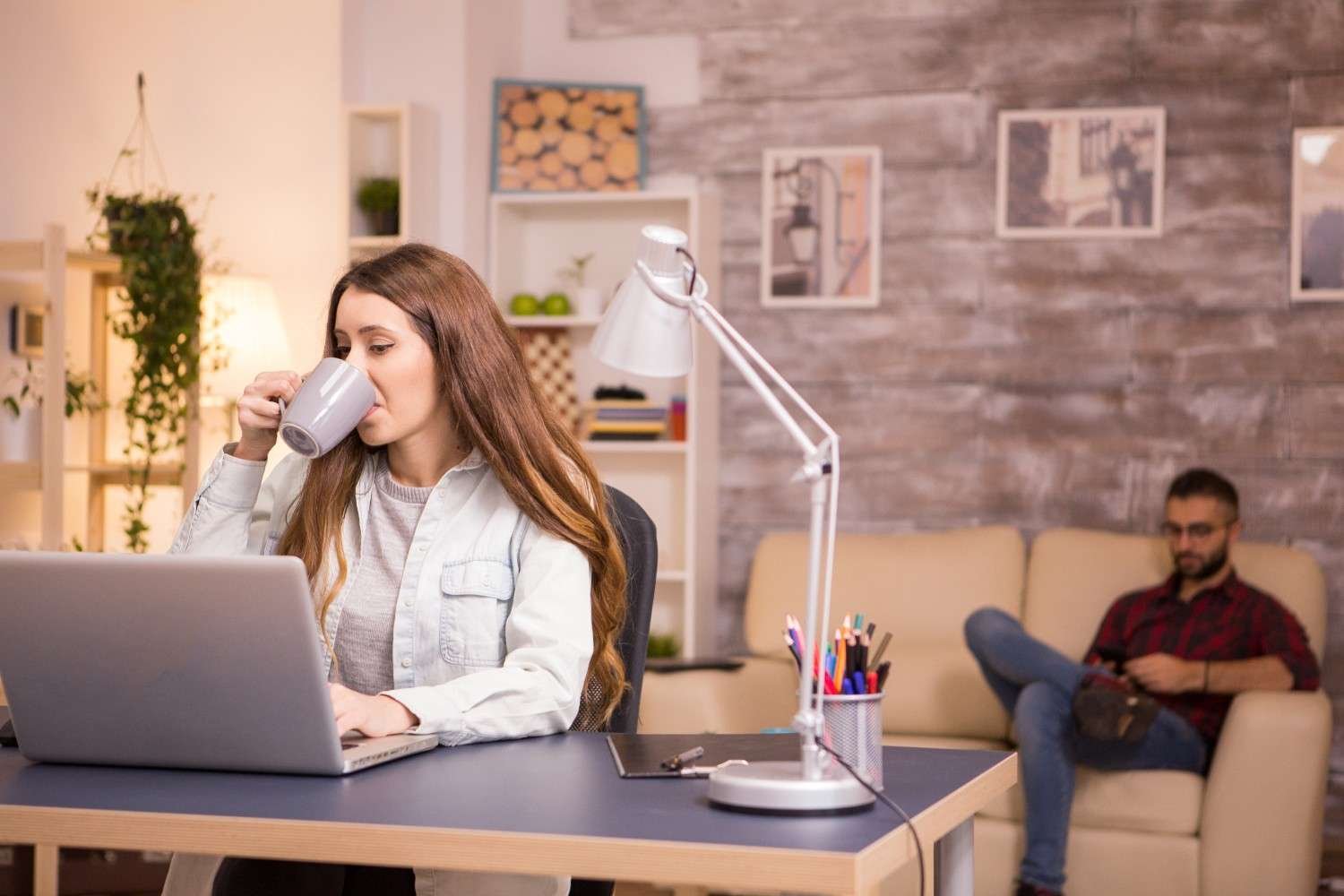
Before buying anything, identify your biggest problem. If your body hurts, start with the chair, standing desk, vertical mouse, or monitor arm. If your meetings look or sound weak, upgrade the webcam, microphone, and lighting. If your desk feels messy, fix docking and cable management first.
The best tech gadgets for home office setup should make your workday smoother, not more complicated. A great setup feels comfortable, looks organized, and supports the way you actually work.
Frequently Asked Questions (FAQs)
1. What are the must-have gadgets for a home office?
The must-have gadgets include an ergonomic chair, standing desk, external monitor, USB-C dock, monitor arm, webcam, microphone, noise-canceling headphones, smart lamp, and cable management tray.
2. What is the best gadget for remote work productivity?
An external monitor or Thunderbolt hub monitor usually gives the biggest productivity boost because it expands screen space and simplifies connectivity.
3. Are standing desks worth it for a home office?
Yes, standing desks are worth it if you use them correctly. They let you change posture during the day, but you should still alternate between sitting, standing, and short movement breaks.
4. How can I make my home office look cleaner?
Use a docking station or hub monitor, mount your monitor on an arm, switch to wireless accessories, and hide cords with a cable tray and Velcro ties.
5. What tech improves video calls the most?
A 2K autofocus webcam, USB microphone, smart lighting, and noise-canceling headphones improve video calls the most because they improve how you look and sound.
Final Thoughts
A strong home office does not come from buying every trendy device. It comes from choosing tools that support comfort, focus, communication, organization, and digital safety. Start with the essentials that affect your daily work first, including secure networking habits that help you protect home from Wi-Fi hackers, then add smart upgrades as your needs grow.
When I build a workspace, I look for gadgets that reduce friction. A better chair helps me sit longer without discomfort. A monitor arm improves posture. A USB-C dock keeps my desk simple. A good webcam and microphone make meetings feel polished. Together, these upgrades create a home office that feels ready for real work.